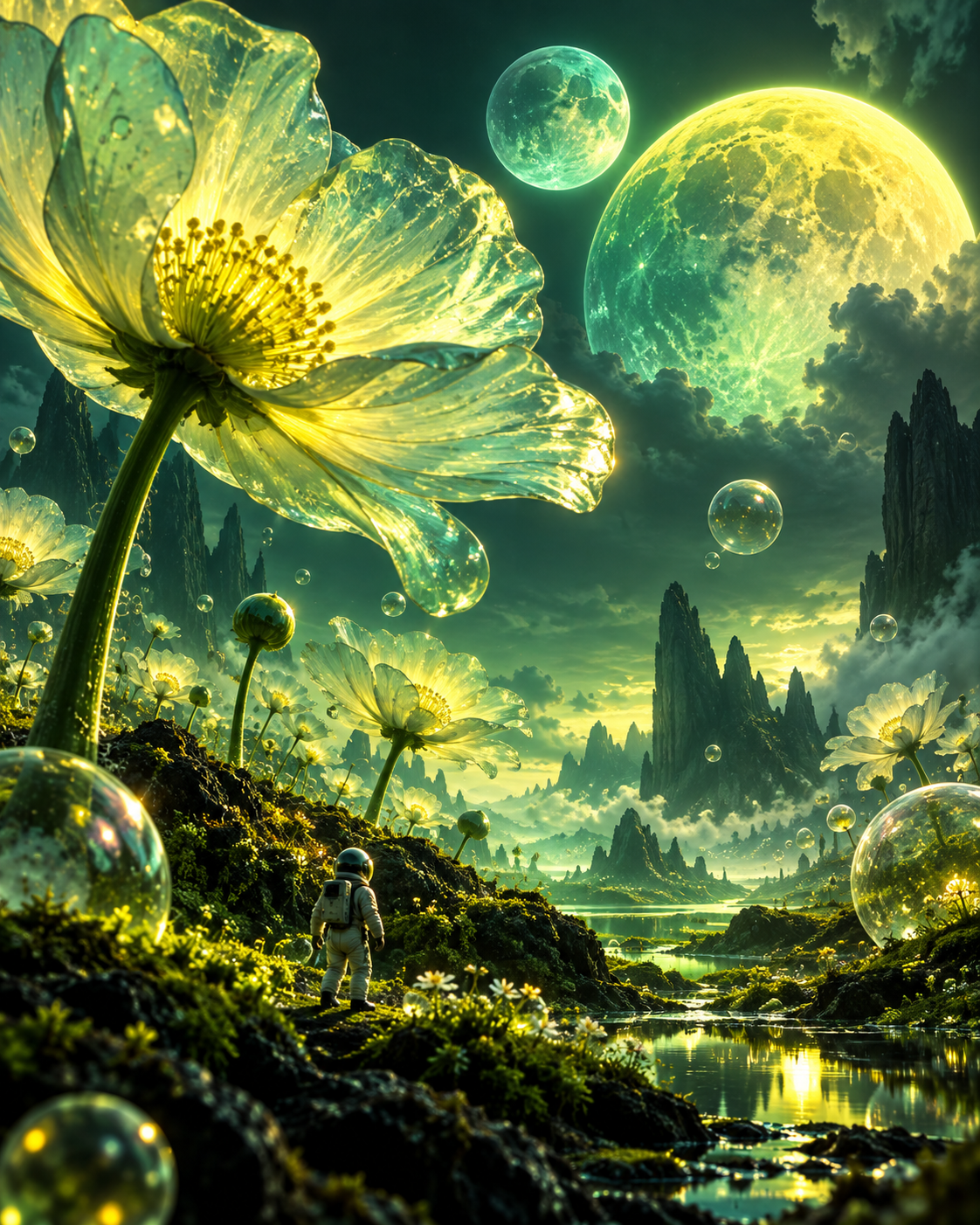
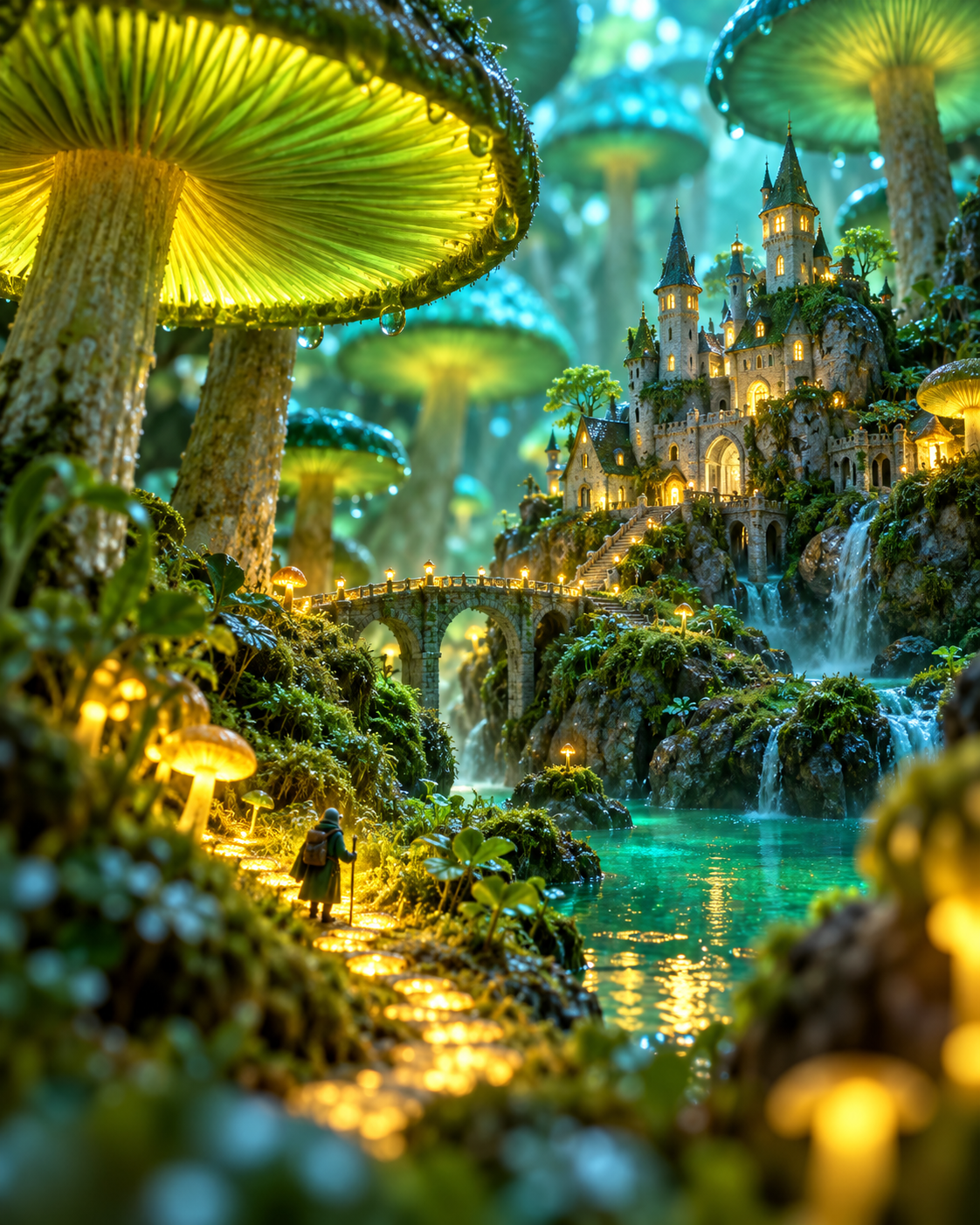
A tiny castle wakes beneath a forest of glowing mushrooms.
GENERATE ↗
02 / PROMPT THE IMPOSSIBLE
Describe it. DreamCut rolls camera.
A subject, a place, and one strange detail are enough. DreamCut stages the world and turns your direction into motion.
03 / REMIX THE TAKE
Cast it again in another universe.
Shift the genre, texture, or energy without rebuilding the idea. One scene can become glossy, surreal, playful, or cinematic.
FASHION
PLAYFUL
ACTION
FROM THOUGHT TO FINAL CUT
DIRECT IT IN THREE BEATS.
1
BRING THE SPARK
Start from a photograph, a sentence, or a mood you cannot shake.
2
SET THE SCENE
Choose the action and atmosphere; DreamCut handles the visual production.
3
ROLL & SHARE
Preview the result, save your favorite take, and send it into the world.
A FEW PLACES WE DREAMED UP
STRANGE, BRIGHT, READY FOR MOTION.
WONDER / 01FANTASY / 02WORLD / 03PLAYFUL / 04
ONE PROMPT, FULL SCENE
YOUR WORDS BECOME THE SET.
Describe what the camera should discover. DreamCut gives the idea a cast, a world, and a visual pulse of its own.
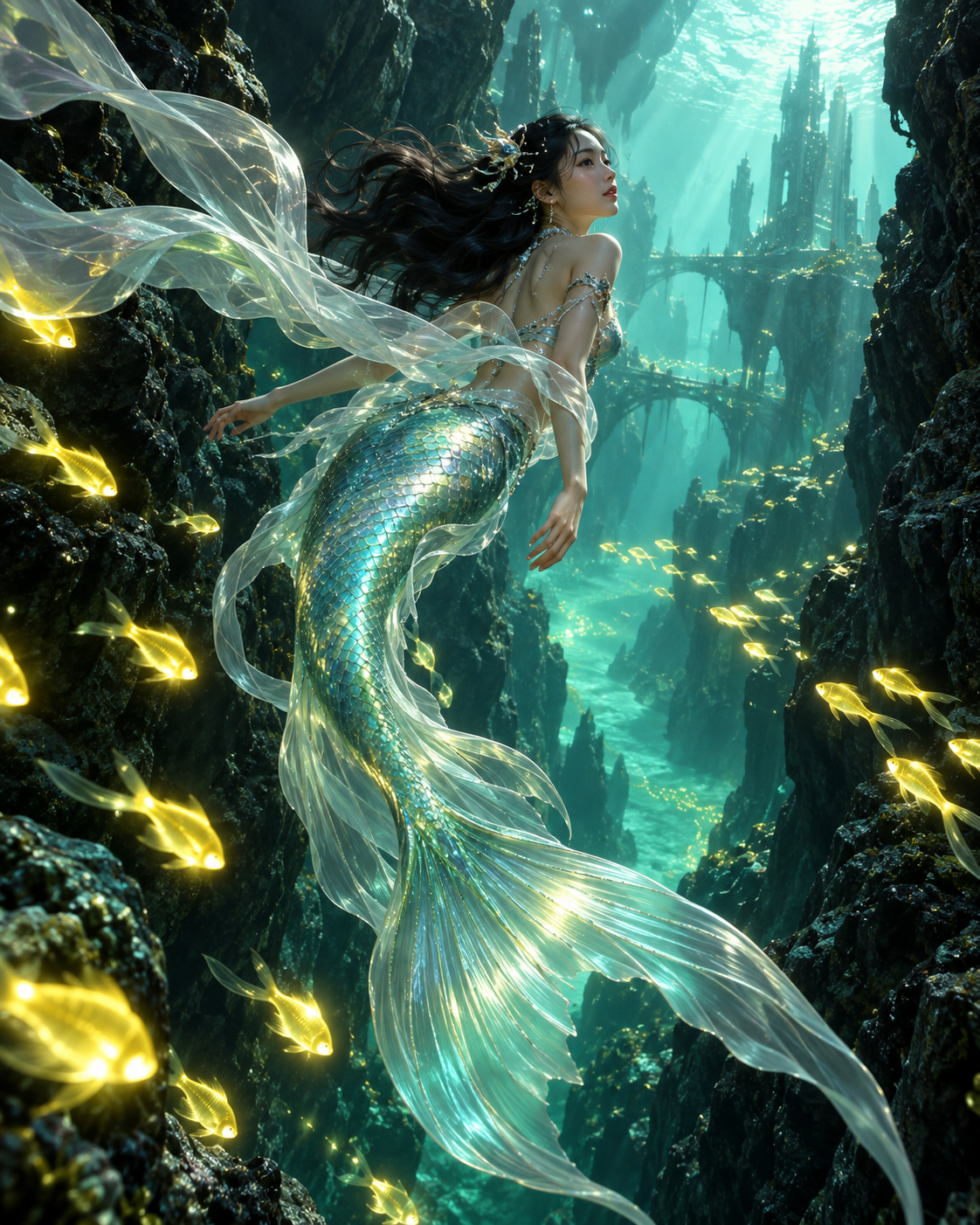
FOLLOW THE LAST MERMAID INTO A SUNKEN GLASS CITY.▶
NO MYSTERY CREDITS
FAQ, BUT MAKE IT EASY.
01How do I receive credits on the Weekly and Yearly plans?
Both subscription plans deposit a fresh batch of credits into your account every week — automatically, for as long as your subscription is active: 699 credits/week on the Weekly plan, and 1,000 credits/week on the Yearly plan.
02Do credits expire?
It depends on your plan:
Plan
Credits arrive
Credits expire
Weekly
699 every week
30 days after each drop
Yearly
1,000 every week
30 days after each drop
Lifetime
15,000 all at once, instantly
Never
On Weekly and Yearly, each weekly batch stays valid for 30 days from the day it lands, so you always have time to use it. Lifetime credits have no expiry date at all.
03What happens if I cancel or don't renew my subscription?
You keep full access until the end of the period you've already paid for. After that, your membership benefits end — weekly credit drops stop and Pro features are locked, and remaining subscription credits are no longer available. Renewing at any time restores your benefits.
04What are credits used for?
Credits power every generation in DreamCut — photo-to-video, text-to-video, restyle, and AI enhance. The cost of each generation depends on its type and quality, and is always shown before you generate. If a generation fails, its credits are automatically refunded.
 DREAMCUT
Direct a scene
DREAMCUT
Direct a scene